
What it does
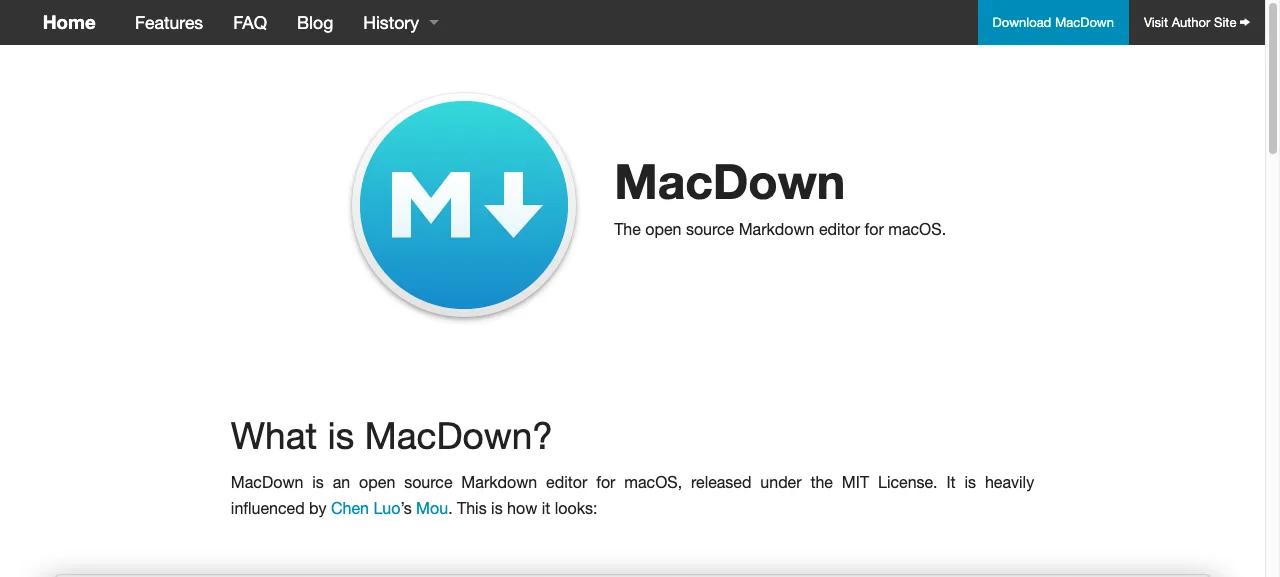
MacDown is the Mac-only counterpart to Ferrite, and has been around much longer. A clean window, two panes, nothing else. Open a .md file, or start blank and type.
It’s exactly what you’d want from a markdown editor in the era when tools did one thing well.
When we use it
For Mac users who don’t need to think about cross-platform support, or who like a tool that’s been stable for years. Great for drafting prompts, notes, and short articles.
Works fine alongside Copilot or ChatGPT: write your prompt in MacDown, copy as markdown, paste into the chat window.
Good to know
- Free and open source (MIT)
- macOS only, no Windows or Linux build
- Install via download or
brew install --cask macdown - Updates are rare but it’s been reliable for years

Want to learn how to really use these tools?
In the AI literacy course you spend a day practising with your own work and your own tools.