
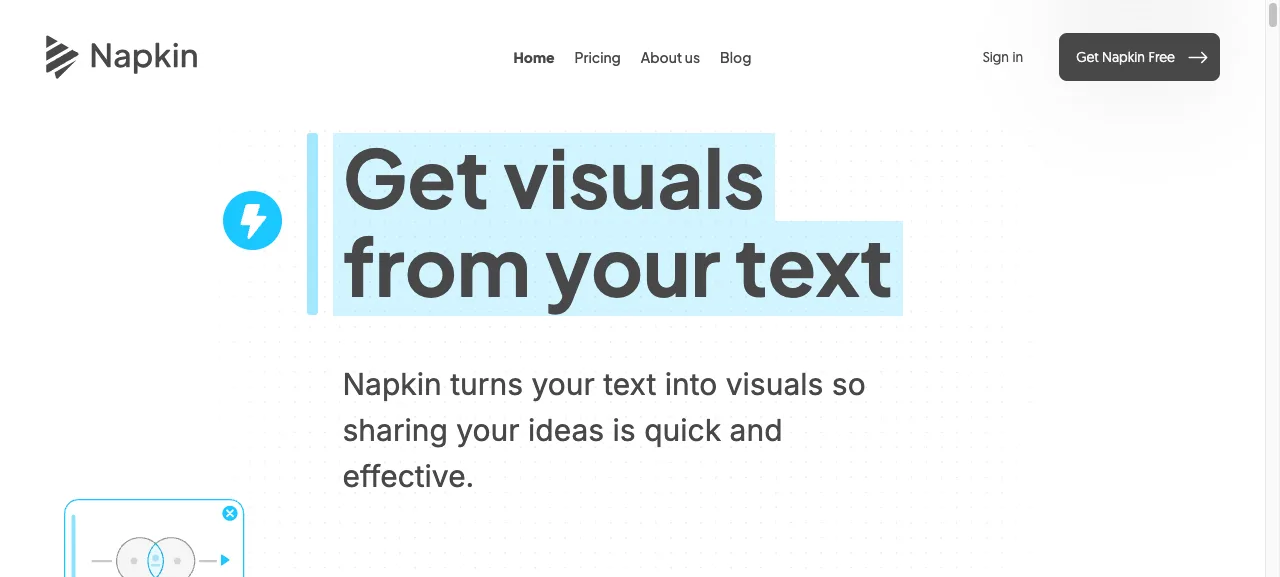
What it does
Napkin solves the part of slide-making most people avoid: drawing a tangle of steps, causes, or relationships in PowerPoint or Excel. You paste your text, click a word or sentence, and Napkin offers a row of visual options that match that passage. A process becomes a flow. A comparison becomes a table. Three pillars become three icons.
You can tweak everything afterwards, colour, font, line weight, individual words, and export to PNG, SVG, or PowerPoint.
When we use it
Mostly to explain models on a slide. The three blocks of AI adoption, the steps in a workflow. Instead of an hour of fiddling in PowerPoint, you paste three sentences into Napkin and pick a visual.
Also nice for internal documents where one clear diagram says more than a bullet list.
Good to know
- Free plan is enough to start with
- Browser-only, no app to install
- Style is consistent, so after three diagrams your deck looks like one piece
- PowerPoint export keeps shapes editable, not just an image

Want to learn how to really use these tools?
In the AI literacy course you spend a day practising with your own work and your own tools.