
What it does
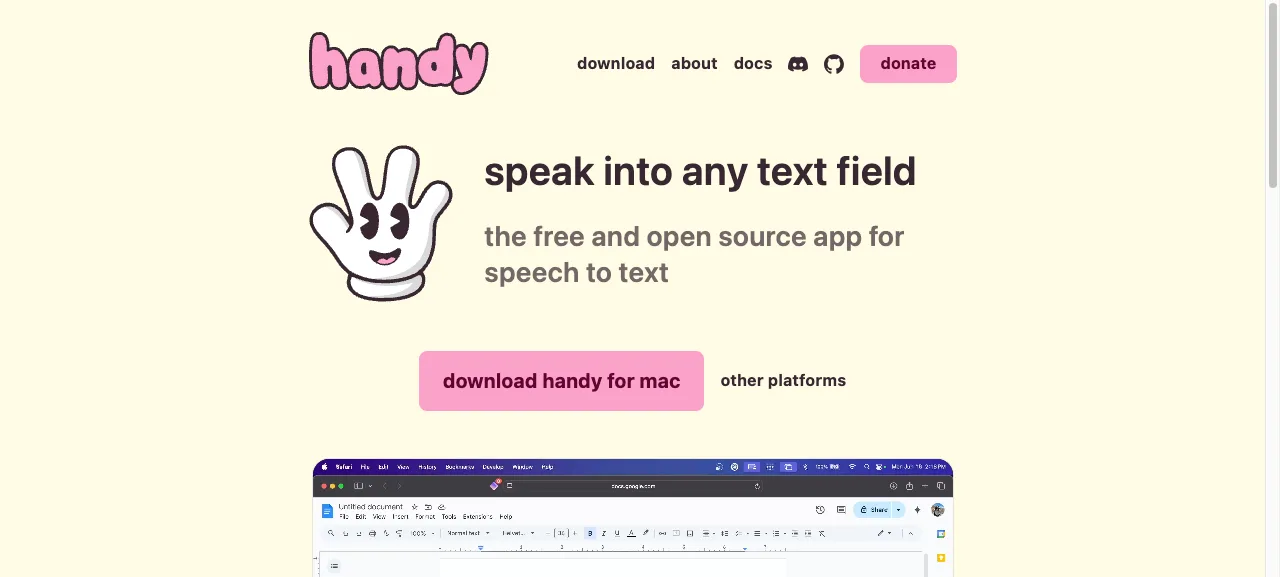
Handy is dictation for your whole computer. Hit a shortcut, speak, and the text drops into wherever the cursor sits, Word, Teams, a Copilot prompt, anywhere.
Two modes: push-to-talk (hold while speaking) and toggle (one press to start, another to stop). Both work offline because the speech model runs locally on your machine. No audio is uploaded to a cloud.
When we use it
In trainings we notice many people prompt Copilot or ChatGPT too politely or too briefly because typing feels like work. When you dictate, you naturally include the context, the example, and the counter-example the model actually needs. A 300-word prompt produces better output than a 30-word one, and dictating 300 words takes half a minute.
Also great for longer emails, post-meeting notes, and turning spoken thoughts into draft text.
Good to know
- Free and open source, no account
- Choose a faster or more accurate model per language
- Works offline once the model is downloaded
- Apple Silicon (M-chip) is noticeably faster than Intel or older PCs
Want to learn how to really use these tools?
In the AI literacy course you spend a day practising with your own work and your own tools.